arrow_circle_right MULTIMODAL HMI ACCELERATOR
Accelerating touch, voice and gesture control
Fast-track your multimodal interface across touch, voice, hardware and mobile on any framework or device.
Supercharge your HMI development with proven architectural foundations and AI-assisted code generation, helping you validate concepts quickly and deliver a production-ready HMI much earlier.

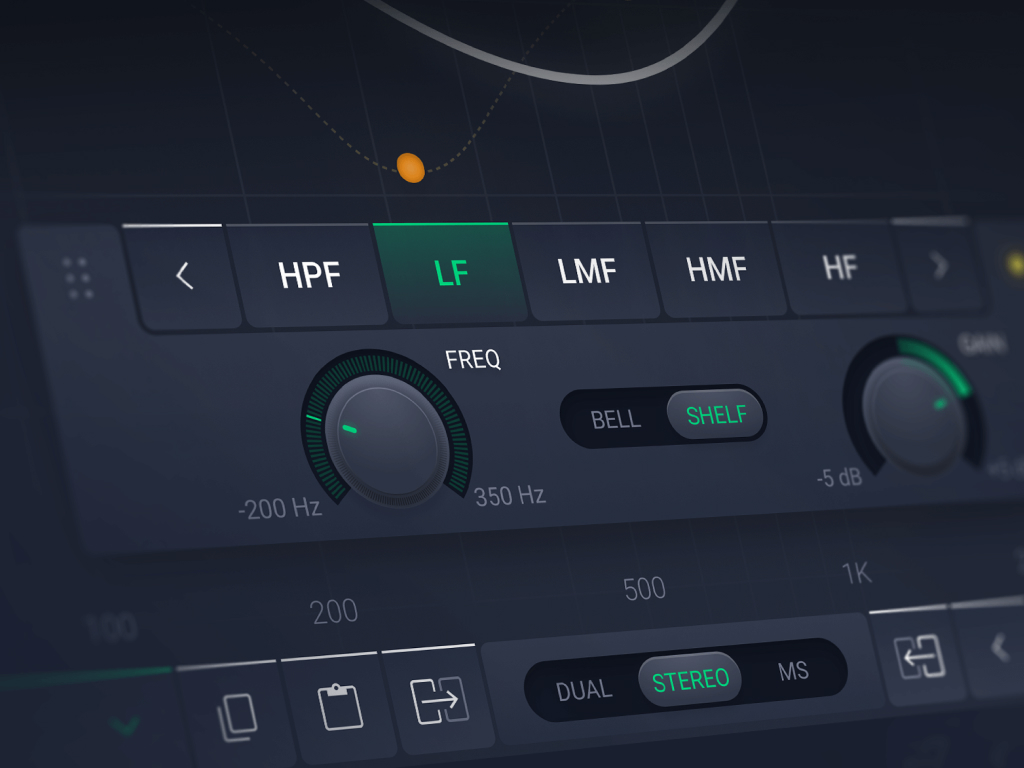
Access ready-made HMI architecture
Our Multimodal HMI accelerator includes all essential building blocks needed for multimodal interaction.
- Shared state model for all interaction modes
- Input coordination rules for touch, hardware, voice and apps
- Consistent feedback mechanisms across every modality
- Reusable UI patterns mapped to your framework of choice
- AI-assisted generation of boilerplate code
- Reference widgets and interaction templates
- Integration connectors for your middleware or hardware layer
arrow_circle_right Competencies and partnerships
Proven and trusted by









arrow_circle_right BENEFITS
Architecture-first multimodal HMI development
Framework-agnostic Micro HMI architecture
The accelerator provides a proven architectural foundation that adapts to your chosen framework. You gain pre-built patterns for state management, input coordination and feedback mechanisms that translate cleanly into your target technology stack.
AI-assisted code generation
Instead of writing boilerplate code for every interaction pattern, the AI engine produces framework-specific implementations based on your interaction model and requirements. This includes:
-
State machine logic
-
Input event handlers for multiple modalities
-
Synchronisation across touch, voice, hardware controls and mobile apps
-
Standard UI patterns and widgets tailored to your framework
Rapid prototyping and validation
The accelerator lets you test your multimodal concepts within weeks. You can explore interaction patterns, evaluate user scenarios and confirm technical feasibility before committing to full development.
Built-in best practices
The accelerator embeds years of multimodal HMI experience in reusable templates, architectural guidelines and code patterns. It helps you avoid common pitfalls and start with production-grade foundations rather than learning through trial and error.
Seamless integration
The generated code integrates smoothly with your existing systems, middleware and hardware abstraction layers. Whether you work with automotive platforms, industrial controllers or medical devices, the accelerator adapts to your technical environment.
arrow_circle_right automotive
From dashboard to ecosystem
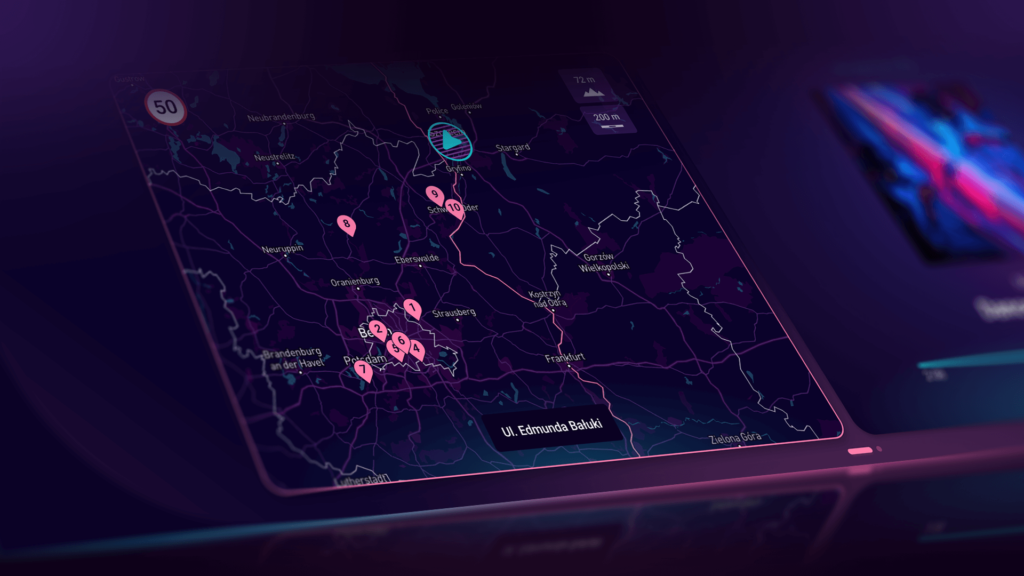
Drivers need eyes-off controls for safety (UNECE UN/R156, SOTIF). A driver changing climate via touchscreen, adjusting volume with steering wheel buttons, and navigating with voice should experience one coherent conversation, not three separate systems.

arrow_circle_right Maritime HMI
Robust control in harsh environments
Salt spray ruins capacitive touchscreens. Gloved hands don’t register. Engine rooms are too loud for voice alone. Operators need redundancy: if one modality fails, the vessel doesn’t lose control.

arrow_circle_right Consumer electronics
Consumer expectations, embedded reality
Users expect voice, apps and touchscreens because they use Alexa and smartphones daily. Yet appliances have tight budgets, variable power, and 10+ year lifespans. One solution doesn’t fit all tiers.
arrow_circle_right TECH STACK
Works with your technology stack
Our Multimodal HMI accelerator supports a wide range of embedded and automotive technologies. We select the right stack with you and deliver multimodal behaviour on top of it.
Qt for MPUs
Qt is a strong choice for projects that require rich 2D and 3D graphics, complex layouts, multiple displays and support for Linux or other high-end embedded platforms. For multimodal HMI, it offers a declarative UI with QML, a clean separation between logic and presentation, mature input handling and straightforward integration with automotive stacks or external middleware.
It’s well suited for digital clusters and centre stacks in vehicles, advanced industrial or medical control panels and embedded products that aim for a tablet-level user experience.

Qt for MCUs
Qt for MCUs brings the Qt ecosystem to microcontroller-based hardware, making it suitable when you need Qt patterns and tooling on low-resource devices or want to stay within one technology family across MPUs and MCUs. It gives you tighter control over performance and memory footprint than full Qt, while still supporting responsive UIs, touch input and simple hardware controls.
Qt for MCUs works well for smaller clusters, auxiliary displays and mid-range control panels that need to align visually and functionally with larger Qt-based HMIs.
LVGL for MCU-based devices
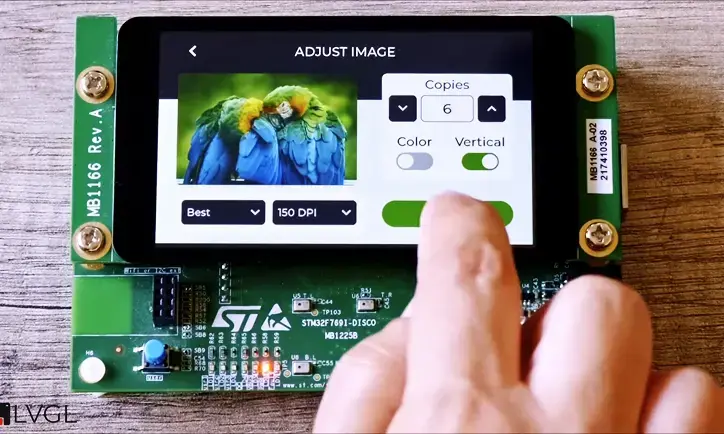
LVGL is a lightweight, open-source GUI library for microcontrollers and small MPUs. It suits cost-sensitive devices with limited memory, supports modern UIs on small displays and gives full control over the stack and licensing. In multimodal HMIs, LVGL handles touch and simple inputs, works across device families and integrates well with RTOS or bare-metal systems.
Slint is a newer option for declarative, modern UIs on embedded devices and desktops. It focuses on a clear separation of design and logic, supports resource-constrained hardware and offers flexible licensing, making it a good fit for multimodal projects with custom input handling.
Unity for 3D HMIs
Unity is a strong choice when you need advanced 3D visualisation, spatial interaction and immersive experiences that go beyond traditional 2D interfaces. In multimodal HMIs, it supports realistic 3D representations, depth-based interfaces, rich animations and VR or AR as additional interaction layers.

Other frameworks
In real portfolios, companies rarely use just one framework. There are also Kanzi, Altia and other automotive-centric tools, custom in-house frameworks, and web-based HMIs for some product lines.

arrow_circle_right process
A structured way to build multimodal HMIs
Step 1: Scenario and modality definition
We begin by identifying the key user scenarios in context: a driver adjusting temperature at 130 km/h, an operator restarting a machine after a jam, a nurse acknowledging an alarm. For each scenario, we establish the primary modality, the secondary modality and the fallback rules. These decisions shape the entire design and technical approach.
Step 2: Unified interaction model design
We create a clear state model for your HMI, define a set of consistent interaction patterns and develop a shared language for labels, messages and warnings. This foundation ensures alignment before we move into framework selection.
Step 3: Framework evaluation and prototyping
We assess Qt, LVGL, Slint, Unity and other technologies against your target hardware, operating system, memory and graphics capabilities, roadmap, product family and team structure. We also run a targeted prototype to validate performance, responsiveness, input handling and the effort needed to implement your standard patterns.
Step 4: Reference implementation with the accelerator
We select a representative product or variant and create a reference HMI application, along with reusable widgets, interaction patterns and basic multimodal support. This becomes the blueprint for future programmes and product lines.
Step 5: Industrialisation and scaling
Once the reference implementation is stable, we turn it into a full HMI platform or design system. We introduce additional modalities step by step, automate HMI testing and document the rules and guidelines so your teams can confidently build on it.
arrow_circle_right Our team
Meet our experts

Passionate about daily human and machine communication, I take care of the development of the HMI area and empower Spyrosoft teams to stay at the forefront of this dynamic field. With a strong background in both technical and managerial positions, I know how to translate business needs into an appealing and functional product that elevates the experience of an end customer.

I’m a firm believer in the cultural ramifications of user-focused design in technology.
Throughout my career, I have led teams in developing modern products on a multitude of software and hardware platforms. The knowledge of HMI architectures and C++/C#/Java and Python languages, has allowed me to work with OEMs and TIER1s on the next-gen production HMI platforms.
With my motivation of building tomorrow’s digital society, I’m is mainly responsible for shaping the technology definition and vision of HMI Services at Spyrosoft.

I use the experience I have gained in twenty years of work to design interfaces for HMI. I highly value simple solutions to complex problems.
In my work, the most important thing is to diagnose and understand the problem, listen to the stakeholders and propose a solution that meets the established criteria.
I especially appreciate the substantive support of programmers, thanks to which our projects move easily to the implementation stage, which allows us to quickly test our hypotheses.
arrow_circle_right Our articles
Pick your next read


arrow_circle_right Testimonials
Clients say about us
arrow_circle_rightcontact us
Ready to accelerate your multimodal HMI?
If you want to validate your HMI direction, explore new modalities or build a scalable HMI platform across products, we’re here to support you.
Przemyslaw Krzywania
HMI Director
FAQ
A multimodal HMI is a single product interface controlled through more than one interaction mode, such as touch, hardware controls, voice and mobile, all working together within one shared logic and UX model.
It means every input mode operates on the same underlying state, such as the current screen, selected item or focus, and system mode. This is typically implemented via a central state machine or application layer with a clear API.
Users need a single source of truth. If a voice command changes temperature, the UI must update. If a knob changes volume, the display must reflect it. If a mobile app triggers a process, the panel must show the change.
No. You only need the combination that fits your product, users and environment. Many products start with touch plus hardware controls and add voice or mobile later.
No. It works independently of the chosen framework and can support Qt, Qt for MCUs, LVGL, Slint, Unity and other HMI technologies, including custom stacks.
Teams can typically move from concept to a working multimodal HMI prototype in 4–6 weeks, compared to 4–6 months with traditional architecture and setup work.
Framework choice depends on target hardware, OS, memory and GPU limits, product roadmap, team skills and licensing constraints. A short framework assessment and technical spike helps validate performance and feasibility early.
It is a focused session to review your current HMI direction, define priority scenarios, clarify modality strategy, identify architecture risks and outline a practical roadmap to a scalable multimodal implementation.
Yes. The accelerator supports clear ownership of multimodal behaviour, predictable state management and consistent feedback, which are essential for safety-critical and regulated environments.
Yes. The accelerator is designed to support product families and platforms. Patterns, logic and interaction rules can be reused across devices with different hardware and display sizes.